
Track a Payment Link
Monitor payment link status, track conversions, and manage active links using the Dashboard and API. Use merchant references for reconciliation.
Monitor payment link activity, payment status, and conversion performance using the Pine Labs Online Dashboard and APIs.
After sharing a payment link through SMS and email, you can track the complete payment lifecycle — including whether the customer opened the link, initiated payment, completed the transaction, or if the link expired.
Pine Labs Online provides both Dashboard-based monitoring and API-based tracking capabilities to help businesses manage payment operations, customer follow-ups, reporting, and reconciliation workflows efficiently.
Use the merchant_payment_link_reference to map transactions with your internal systems, orders, CRM platforms, or accounting workflows for accurate reconciliation and operational tracking.
You can:
- Track payment link status in real time
- Monitor payment success and conversion rates
- Identify expired or unpaid links
- Reconcile payments using merchant references
- Fetch payment link details using APIs
- Manage payment operations from the Dashboard
Sign Up & Get API Credentials
Before using APIs, sign in to the Pine Labs Online Dashboard and generate your Client ID and Client Secret to authenticate API requests securely.
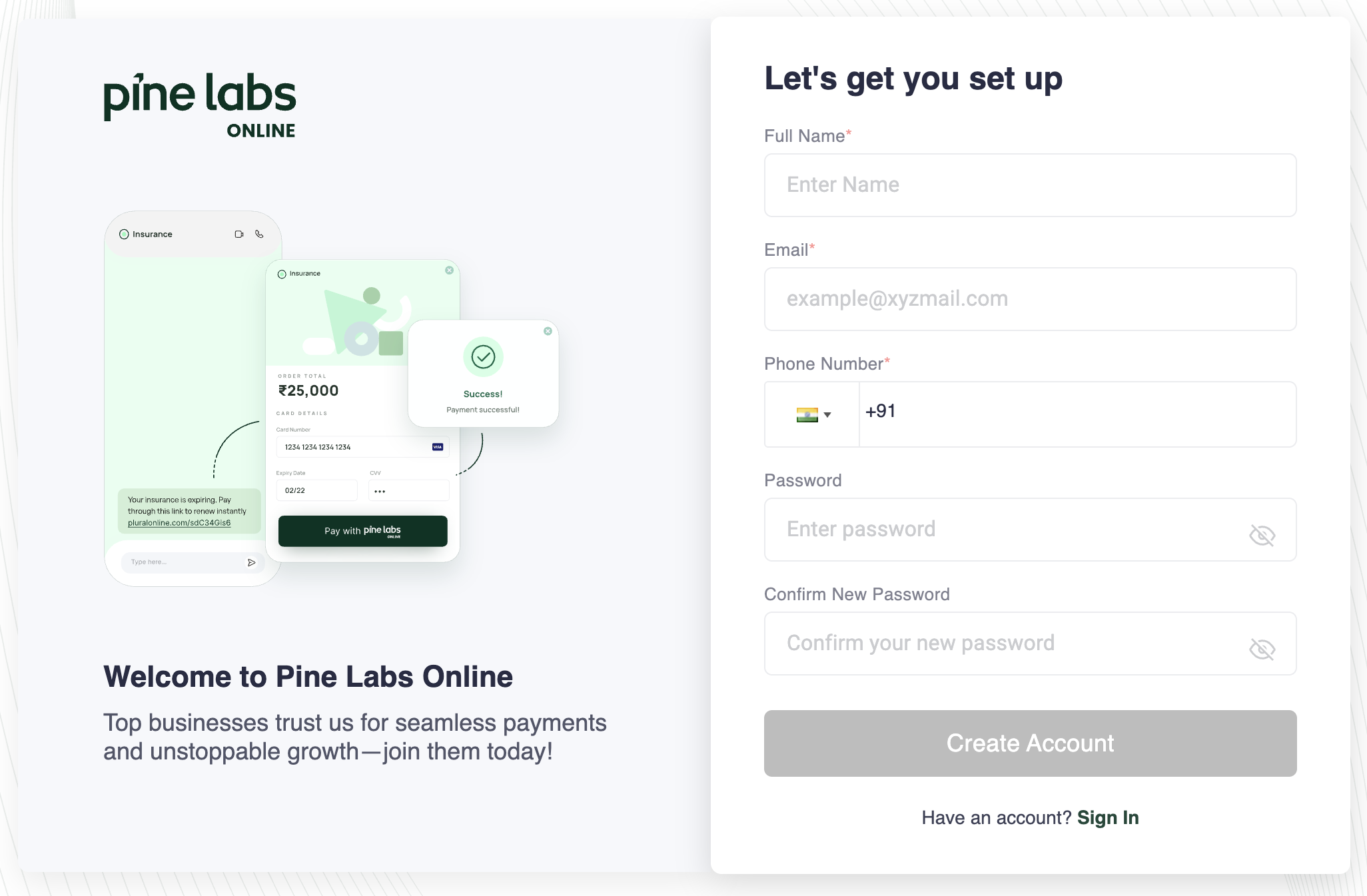
- Sign Up — Visit the Pine Labs Online Dashboard and register with your business email.
- Verify Your Email — Confirm your email address through the verification link sent to your inbox.
- Find Your Credentials — Once logged in, navigate to Settings → API Keys to generate your test-mode API key and secret.
- Explore the Dashboard — Use the dashboard to view test payments, refunds, settlements, and webhook configurations before going live.
Once your account is ready, you can immediately start integrating hosted checkout, custom checkout, payment links, tokenization, and other Pine Labs Online payment solutions using the UAT environment — no production credentials required.
Track payments in the Dashboard
The Payment Links section in the Pine Labs Dashboard provides real-time visibility into all your payment links:
- Status indicators — See the current state of each link:
CREATED,CLICKED,PAYMENT_INITIATED,PROCESSED,CANCELLED,EXPIRED. - Search and filter — Find links by merchant reference, status, date range, or amount.
- Conversion tracking — Identify which links converted into payments and which were abandoned.
- Payment details — Click any link to see full details including customer info, payment method used, and timestamps.
Track payments with the API
Use the retrieval APIs to check the status of any payment link programmatically. This is useful for automated reconciliation, order fulfillment, and reporting.
Get payment link by ID
Retrieve a payment link using the Pine Labs-assigned payment_link_id:
curl --request GET \
  --url https://pluraluat.v2.pinepg.in/api/pay/v1/paymentlink/{payment_link_id} \
  --header 'Authorization: Bearer <access_token>' \
  --header 'Content-Type: application/json'
API Reference: Get Payment Link by Payment Link ID
Get payment link by merchant reference
Retrieve a payment link using your own merchant_payment_link_reference:
curl --request GET \
  --url https://pluraluat.v2.pinepg.in/api/pay/v1/paymentlink/merchant-reference/{merchant_payment_link_reference} \
  --header 'Authorization: Bearer <access_token>' \
  --header 'Content-Type: application/json'
This is useful when you want to look up a link using your internal order ID, invoice number, or CRM reference.
API Reference: Get Payment Link by Merchant Payment Link Reference
Simplify reconciliation with merchant references
Use the merchant_payment_link_reference parameter when creating a link to attach your own identifier — such as an order ID, invoice number, or customer ID. This lets you:
- Look up payment links using your own internal IDs
- Match Pine Labs payments to your order or invoicing system
- Reconcile settlements against your records
{
  "merchant_payment_link_reference": "INV-2025-00456"
}
📘 Best practice
Always set a meaningful
merchant_payment_link_referencefor every link. This is required by the API and critical for reconciliation.
Payment link lifecycle
Track how your links progress through these states:
| Status | What it means | What to do |
|---|---|---|
CREATED | Link is active and sent to the customer. | Wait for customer action, or resend if needed. |
CLICKED | Customer opened the link but hasn't paid. | Payment is expected. Follow up if status persists. |
PAYMENT_INITIATED | Customer started checkout (order created). | Payment is in progress. Do not cancel. |
PROCESSED | Payment completed successfully. | Fulfill the order. Verify via webhook or API. |
CANCELLED | You cancelled the link. | No further action. Create a new link if needed. |
EXPIRED | Link exceeded the expire_by timestamp. | Create a new link if payment is still needed. |
Track payments with webhooks
For real-time tracking without polling, set up webhooks. Pine Labs sends a server-to-server notification when a payment link is processed.
Key steps:
- Configure your webhook URL in the Pine Labs Dashboard settings.
- Verify the webhook signature to ensure the notification is authentic. See Signature Verification.
- Process the event and update your order or invoice status.
📘 Why webhooks?
Webhooks are the most reliable way to confirm payments. They work even if the customer closes their browser before the callback redirect, or if network issues prevent the redirect.
For the full list of events, see Available Events.
Cancel a payment link
Cancel an active link that hasn't been paid:
Via API
curl --request PUT \
  --url https://pluraluat.v2.pinepg.in/api/pay/v1/paymentlink/{payment_link_id}/cancel \
  --header 'Authorization: Bearer <access_token>' \
  --header 'Content-Type: application/json'
Via Dashboard
Find the link in the Payment Links section and click Cancel.
🚧 You can only cancel a link with status
CREATEDorCLICKED. Links withPAYMENT_INITIATEDorPROCESSEDstatus cannot be cancelled.
API Reference: Cancel Payment Link
Resend a payment link notification
If the customer hasn't acted on the link, resend the SMS and email notification:
Via API
curl --request PATCH \
  --url https://pluraluat.v2.pinepg.in/api/pay/v1/paymentlink/{payment_link_id}/resend \
  --header 'Authorization: Bearer <access_token>' \
  --header 'Content-Type: application/json'
Via Dashboard
Find the link and click Resend.
API Reference: Resend Payment Link Notification
Monitoring best practices
| Practice | Why |
|---|---|
| Use webhooks | Get real-time notifications without polling. |
| Set meaningful references | Makes reconciliation with your systems easy. |
Follow up on CLICKED links | If status stays at CLICKED, the customer may need a reminder or help. |
| Monitor expiring links | Resend or create new links before expiry if payment is still needed. |
| Track conversion rates | Use the Dashboard to see how many links convert into payments. Optimize link sending time and channel. |
See also
- Payment Links overview — features, use cases, and comparison
- After you receive payment — verification, refunds, and settlements
- Webhooks — real-time payment notifications