Create a payment Link through Dashboard
Generate and send payment links from the Pine Labs Dashboard without writing any code. Accept cards, UPI, net banking, wallets, and EMI.
You can create Payment Links to accept remote payments for the goods and services delivered without integrating with a payment gateway. You can share the link created via SMS or email. This is a no-code solution that simplifies online transactions, allowing you to accept payments without complex integrations.
You can also refer to the video tutorial for a quick walkthrough.
How to create a Payment Link?
To create a Payment Link using your product and customer details, follow these steps in the Pine Labs dashboard:
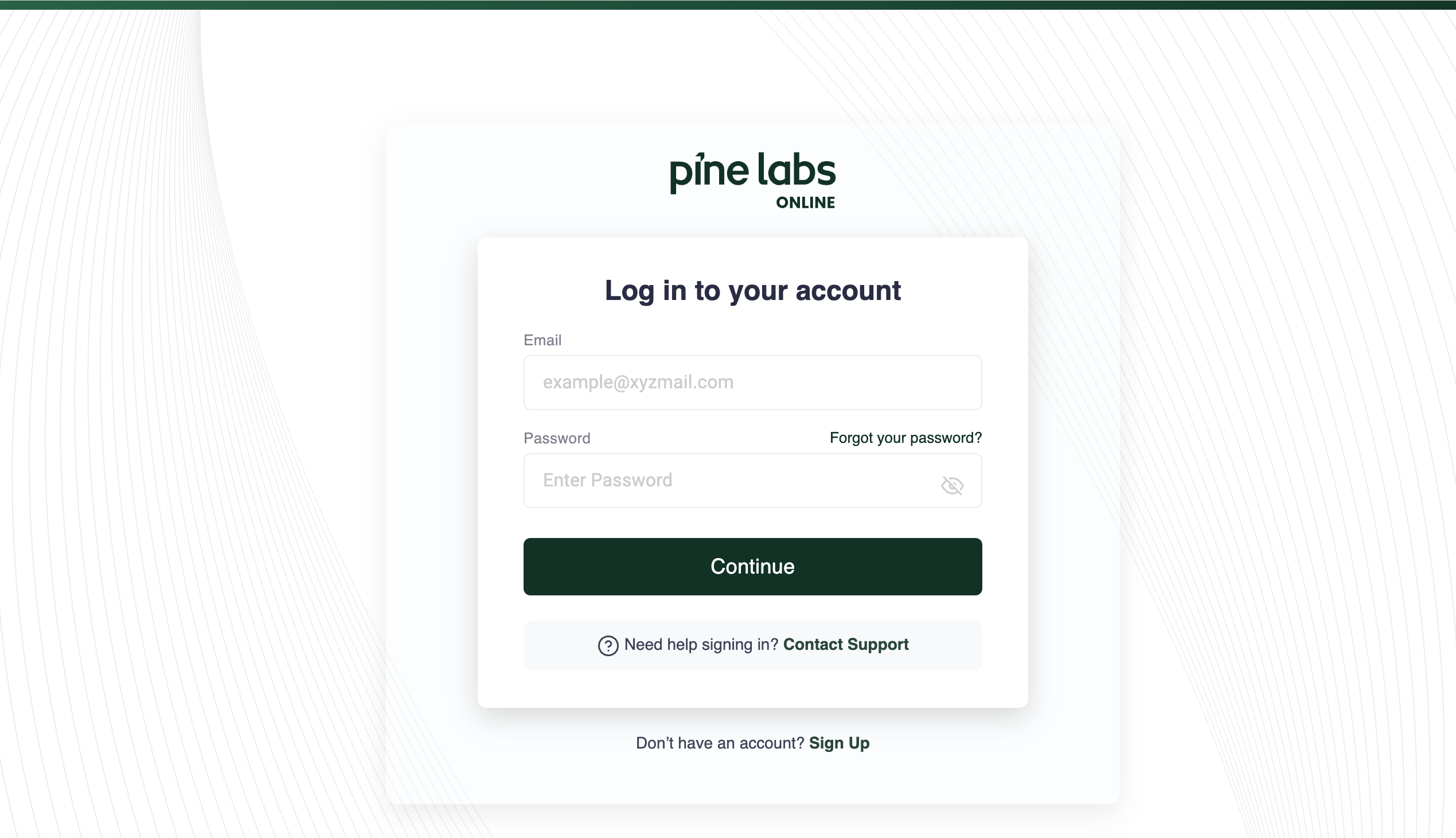
1. Log in to the Pine Labs Dashboard
Visit the Pine Labs Online Dashboard and register with your business email. Create Account
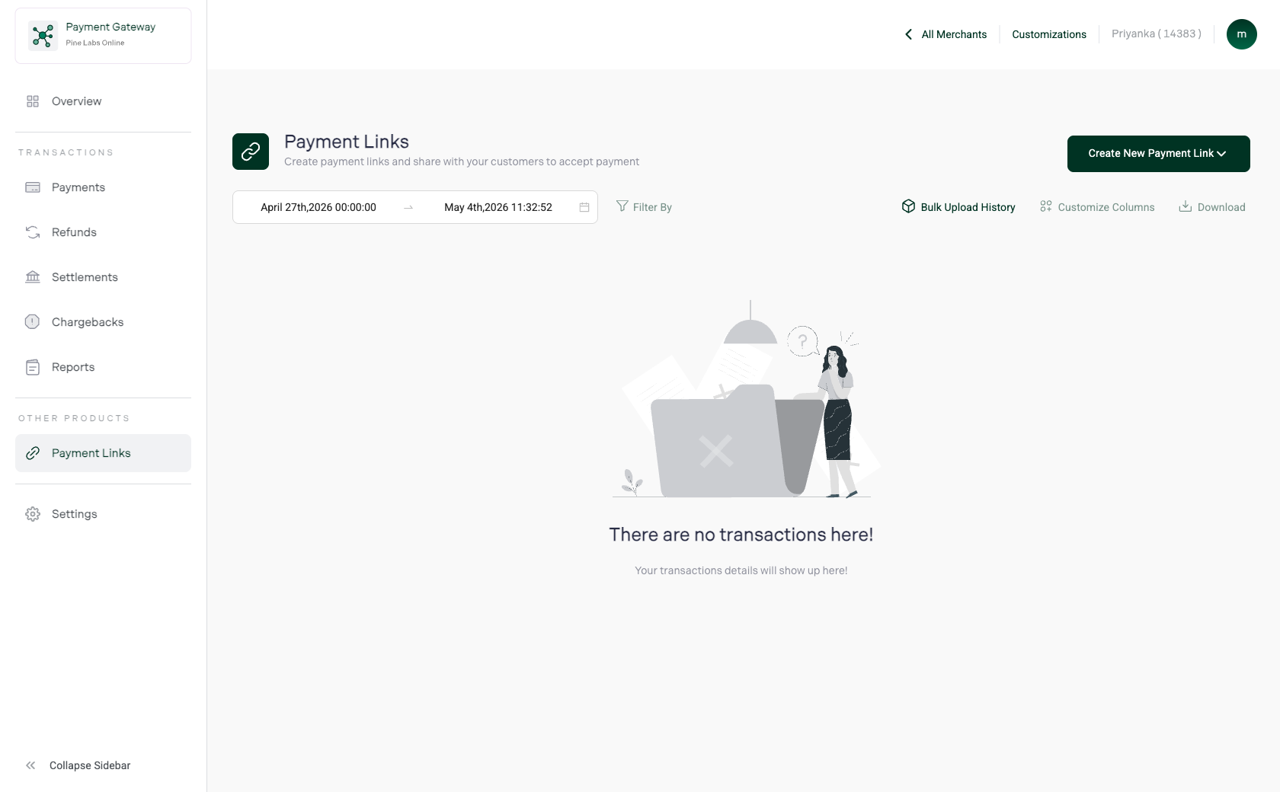
2. Create New Payment Link
Navigate to the Payment Links section and click on Create New Payment Link.
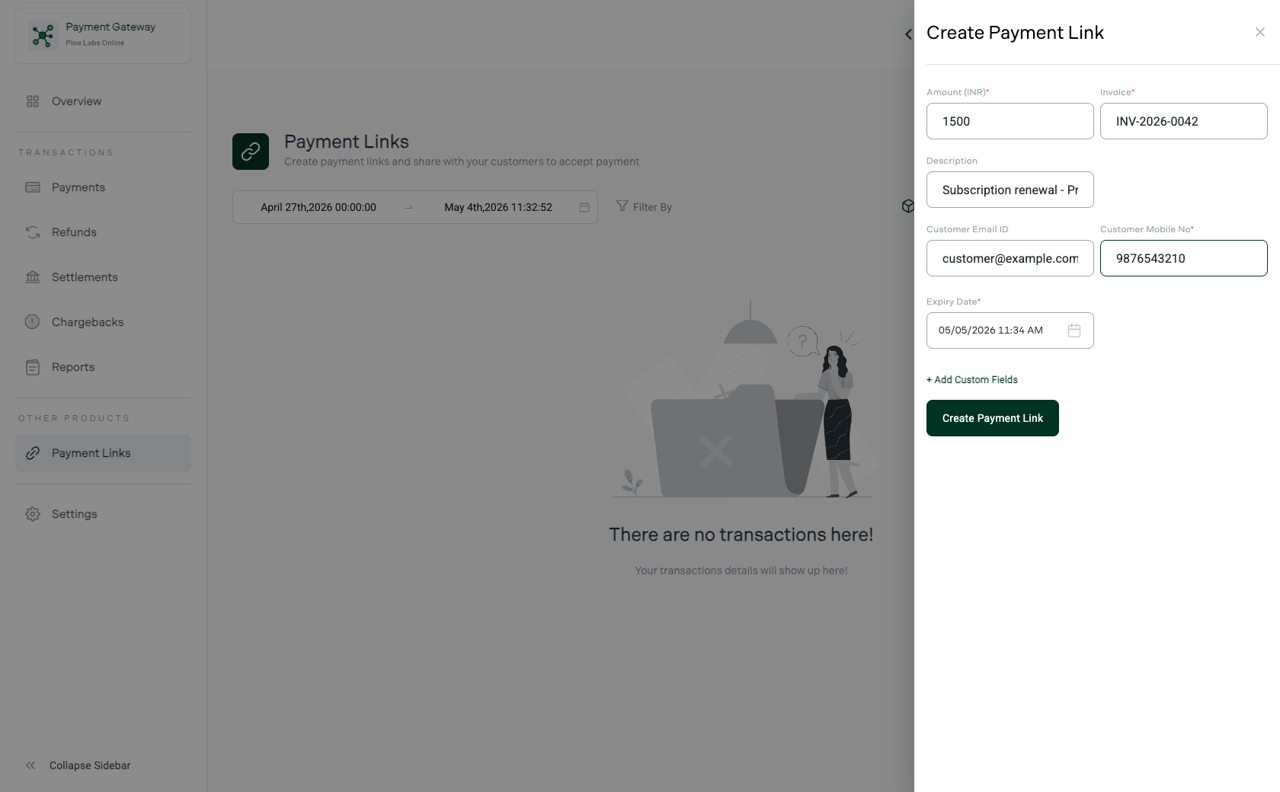
3. Add Details for Payment Links
Create Payment Link screen appears, enter the payment, purchase, and personal details.
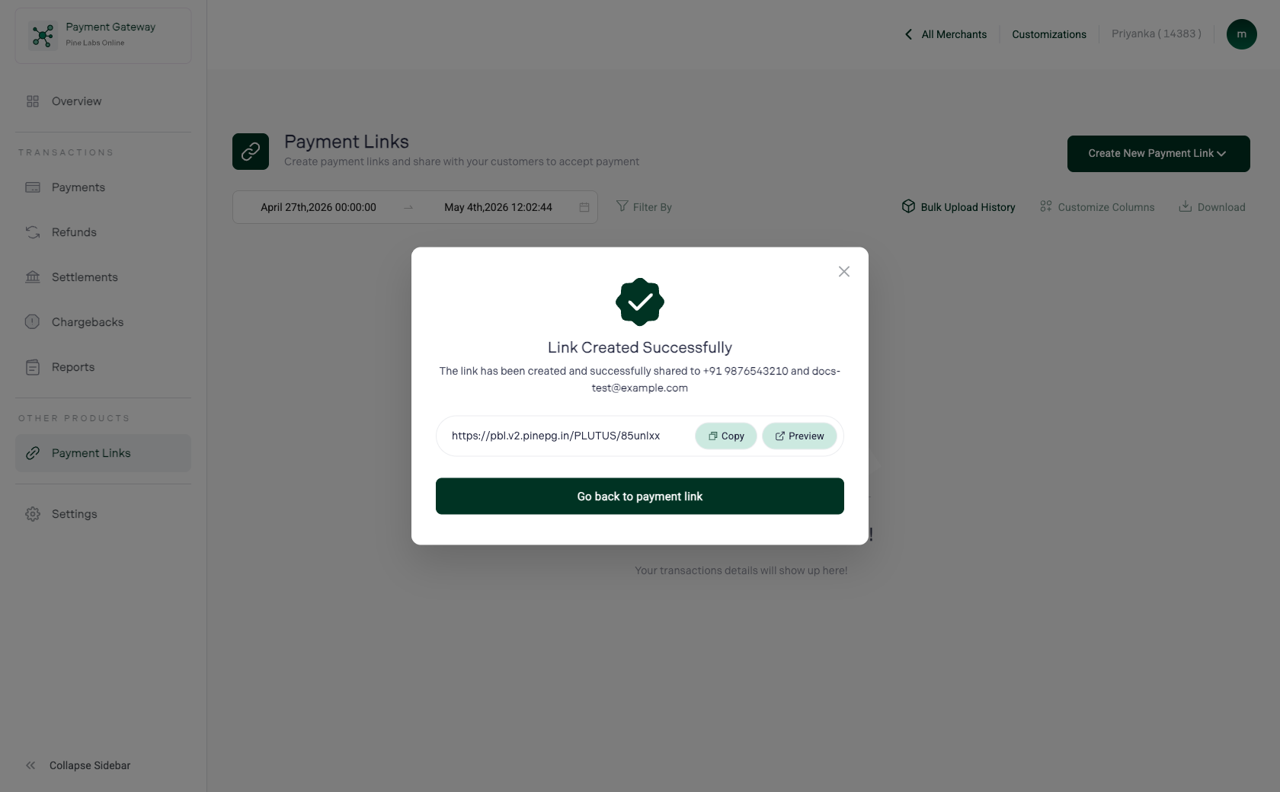
4. Share Payment Links via email and SMS
Finally, click on the Create Payment Link button. The payment link is created successfully and shared with your customers via email and SMS.