Sign Up to Pine Labs Online Dashboard
Learn how to sign up for the Pine Labs Online dashboard and start using Pine Labs Online Payments.
To start utilizing the Pine Labs Online Dashboard, you must complete the sign-up process. Signing up allows you access to a range of payment solutions and other products offered by Pine Labs Online. After completing your registration, you can integrate with Pine Labs Online products tailored to your business needs.
Once successfully integrated, you can effortlessly manage transactions, track payment activity, and utilize a range of features to optimize your business operations. Whether you're an individual merchant or a large enterprise, the Pine Labs Online Dashboard offers a secure and efficient platform to accept and process payments seamlessly.
Create an Account
Step 1. Navigate to Sign-up Page
To start using Pine Labs Online APIs, Sign up as a merchant on Pine Labs Online
Sign up here
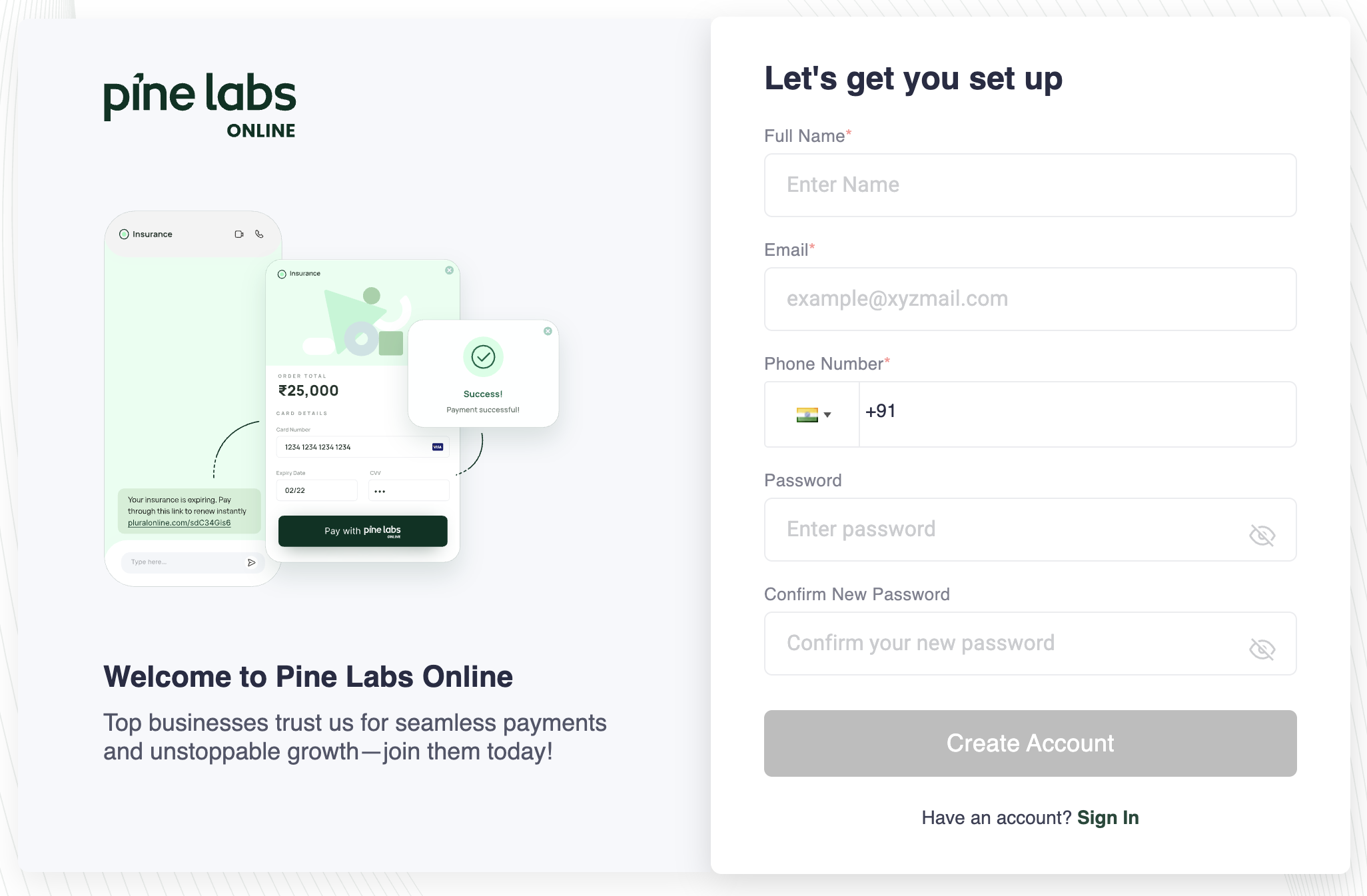
Step 2. Fill in Contact Details
You must provide the following contact information to proceed with the registration process.
- Full Name
- Email Address
- Phone Number
- Password
Step 3. Verify Your Email
Check your inbox for a verification email and click on the link to confirm your account.
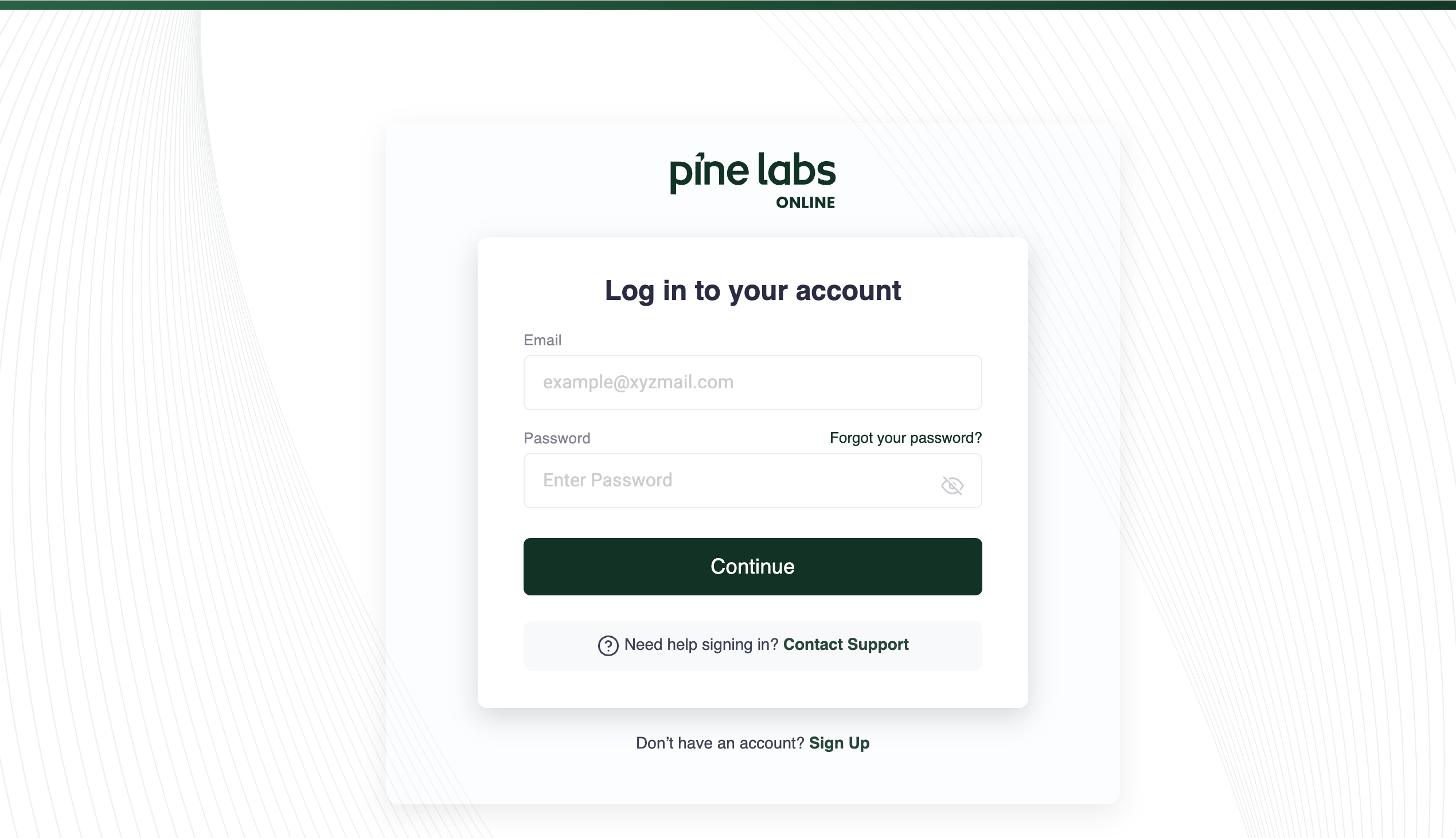
Step 4. Log in to Your Dashboard
Use your login credentials to sign in to the Pine Labs Online Dashboard and explore its features. Two-factor authentication (2FA) is also required during the login process to enhance security.