
Quick Start Guide
Get started with Pine Labs Online Payments — create your account and explore common integration use cases.
Start Integrating
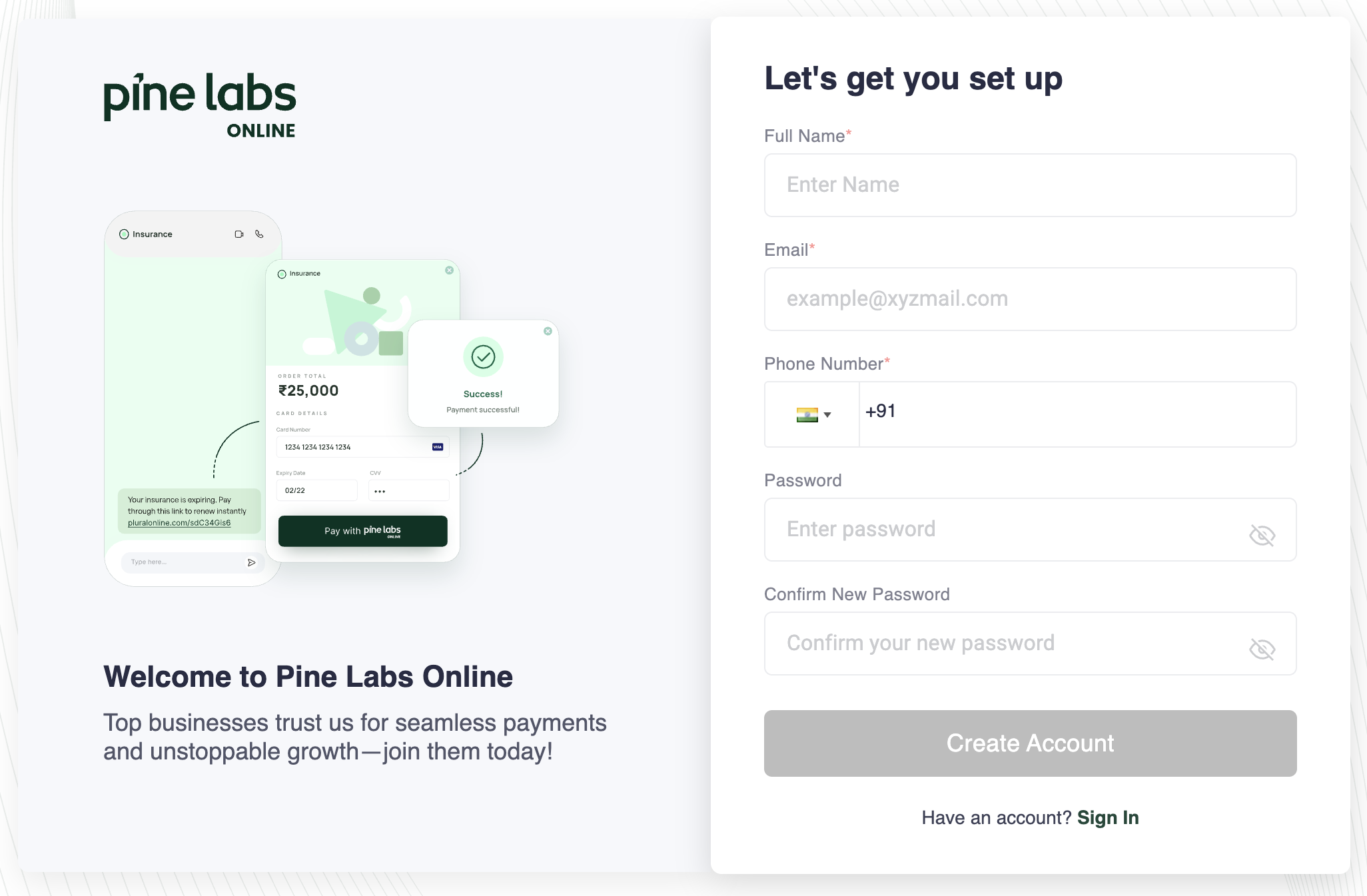
Before you begin integrating, create your free Pine Labs Online developer account to get access to UAT credentials, API keys, and the merchant dashboard.
- Sign Up — Visit the Pine Labs Online Dashboard and register with your business email.
- Verify Your Email — Confirm your email address through the verification link sent to your inbox.
- Find Your Credentials — Once logged in, navigate to Settings → API Keys to generate your test-mode API key and secret.
- Explore the Dashboard — Use the dashboard to view test payments, refunds, settlements, and webhook configurations before going live.
Once your account is ready, you can immediately start integrating hosted checkout, custom checkout, payment links, tokenization, and other Pine Labs Online payment solutions using the UAT environment — no production credentials required.
Common Use Cases
Choose the integration path that fits your business — from no-code links to fully customizable APIs.
Accept Payments for a Startup
Share a link — collect a payment. No website or code required. Perfect for freelancers, small businesses, and quick invoicing.
Get StartedAccept Online Payments via Checkout
Embed a pre-built checkout on your website or app. Handles all payment methods, security, and compliance automatically.
Get StartedAccept UPI Payments through Custom Checkout
Build a fully custom payment experience with our Seamless APIs. Complete control over UI, flow, and payment methods.
Get StartedSetup Subscription or Accept Recurring Payments
Automate recurring billing for subscription-based businesses with mandate management.
Get StartedBuild with AI Agents
Connect AI agents to Pine Labs via MCP Server, n8n nodes, or our Agent Toolkit. Automate payment workflows.
Get StartedMigrate to Pine Labs
Switch from your current payment provider to Pine Labs with a step-by-step migration guide.
Get Started