
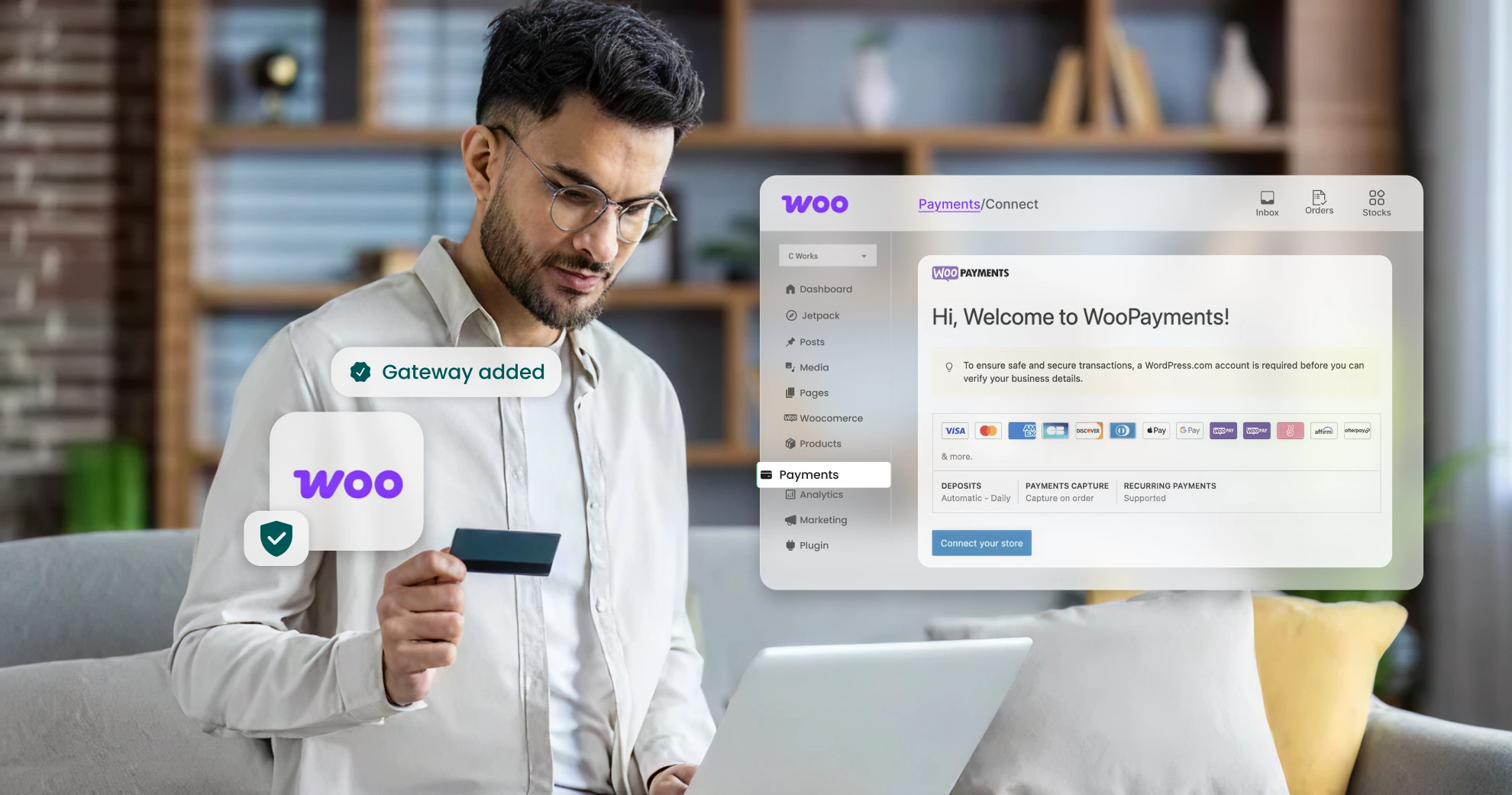
Cart abandonment rates spiked?
The reason doesn’t always lie in product quality or pricing. A large chunk of customers leave at the final step, the checkout.
Why?
The payment fails, or the checkout process doesn’t feel secure. How you integrate your payment gateway with WooCommerce directly impacts this. Integration errors lead to failed payments, frustrated customers, and abandoned carts. The result is lost revenue and reduced customer trust.
If you run a WooCommerce store, proper integration of the WooCommerce payment gateway determines whether your checkout process converts visitors into customers.
Let’s get a step-by-step guide to simplify the integration of the payment gateway WooCommerce and reduce merchant stress.
Why does payment gateway integration matter for WooCommerce?
Reliable WooCommerce payment integration drives conversions and reduces errors. Poor setup can cause plugin conflicts, downtime, and delays in refunds.
Here’s how integration of WooCommerce Pay affects customer experience and business performance:
A. Checkout experience
A secure checkout converts visitors into buyers. Customers access multiple payment options and complete purchases quickly across devices with one-click and saved card options. Integration errors slow checkout, trigger errors, and frustrate users, leading to abandoned carts.
B. Business operations
Reliable payment processing ensures accurate settlements, timely refunds, and uninterrupted cash flow. Faulty integration disrupts operations, causing delays and inefficiencies.
C. Customer trust
Customers trust stores that provide secure and reliable payment methods. Frequent failures or lack of compliance can affect your reputation and reduce repeat business. Proper integration ensures transactions are safe and customers are confident with PCI-DSS compliance, 3D Secure, and other security measures.
Step-by-step guide to integrate a payment gateway in WooCommerce
Here’s a detailed breakdown of the steps to follow when integrating the payment gateway WooCommerce for consistent checkout and operations.
A. Preparing your WooCommerce environment
- Update Core Components: Update WooCommerce, WordPress, and PHP versions to ensure compatibility and security.
- Backup Your Site: Create a full backup before making any changes. This gives you a snapshot of your website just before you created the staging area. Additionally, you can recover the website if the updates cause a crash.
- Disable Conflicting Plugins: Temporarily deactivate plugins that interfere with payment gateway integration.
B. Choosing the right gateway plugin
The right Indian payment gateway for WooCommerce helps you target your specific audience set. Here’s how to choose the best payment gateway for WooCommerce:
- Check compatibility with WooCommerce and the PHP version.
- Look for UPI, EMI, wallets, and local support.
- Prioritize fraud prevention, authentication, and other security features.
- Compare setup costs, transaction fees, and other maintenance expenses.
- Read customer reviews to know the reliability of the payment gateway.
Red flag: Plugins not updated in more than 3 months.
C. Installing and configuring the gateway
- From WooCommerce Admin → Plugins → Add New → Search for the plugin → Install → Activate.
- Configure the settings; WooCommerce → Settings → Payments → Enter merchant credentials or API keys.
- Customize the look of the payment forms.
- Set up additional features such as recurring payments with WooCommerce, fraud prevention, and others based on your business requirements.
- Run sandbox testing and test under different situations before switching to the live mode.
D. Compliance & security checks
- Ensure PCI-DSS, SSL, and tokenization.
- Install a security plugin for firewalls and malware scanning.
- Fraud prevention settings, such as velocity checks, 3D Secure 2.0 support, and 2FA.
- Enable webhook notifications for refunds/settlements.
Read more: Top Payment Gateway Trends for 2025: What Website Owners Need to Know
Common integration challenges in WooCommerce India payment gateway
Integrating a payment gateway with WooCommerce is simple, but several errors can disrupt transactions. Here are common challenges and how to address them:
Plugin conflicts
Reasons :
- Incompatible plugin with the current WooCommerce version.
- Recent installations have introduced bugs.
- Other plugins, unrelated to WooCommerce, are interfering with checkout.
Effects:
- Failed payment processing
- Payment gateway not appearing
Solutions:
- Temporarily deactivate non-essential plugins to identify conflicts.
- Ensure the theme and payment gateway plugin are updated.
- Implement cache-clearing plugins
API misconfigurations
Reasons :
- Wrong API keys or configuration
- Inconsistent or poorly documented endpoints
- Limits to the number of API requests per minute
- Expired API keys
Effects:
- Failed refunds and payment transactions
- Authentication errors or token expiration
- Slow data transfers
Solutions:
- Verify all API credentials and settings.
- Ensure live mode is enabled instead of sandbox for real payments.
- Test transactions to eliminate errors.
- Work with developers familiar with API nuances.
- Monitor API usage, check limits, and update keys as needed.
Downtime during peak campaigns
Reasons :
- Server resource limitations
- Syncing large datasets across platforms
Effects:
- Slow database queries
- Performance processing delays
Solutions:
- Implement High-Performance Order Storage (HPOS)
- Optimize database queries
- Choose a scalable payment gateway that can handle increased growth
Settlement mismatches
Reasons :
- Incorrect webhook setup
Effects:
- Triggers incorrect actions
- Security vulnerabilities
Solutions:
- Log all webhook data for audits.
- Design your endpoint to prevent repeated calls from duplicating actions.
- Use unique event IDs to avoid reprocessing events.
- Verify that webhook URLs are correct and the server responds with a 200 OK status.
- Authenticate webhook calls with secret signatures to prevent fake requests.
Blocked legitimate payments
Reasons :
- Overly restrictive firewall rules
Effect:
- Blocks authentic payment requests
Solution:
- Review and adjust firewall settings.
Best practices for reliable integration
Integrating a payment gateway with WooCommerce requires continuous monitoring and preparation for growth. Follow these best practices to ensure reliable integration of the WooCommerce payment gateway in India.
A. Test before launch
Test in sandbox mode first and check for errors.
Here’s what to check during testing:
- Payment options are working smoothly.
- Check for different scenarios, including successful transactions, declined payments, and transactions with wrong credentials.
- Verify that the payment forms are clear and responsive across various devices and platforms.
- Check for security vulnerabilities and ensure that security protocols are up to date.
- Conduct a load test to determine if the payment gateway can handle peak traffic during sales and the festive season.
Tip: Always use a staging environment to make any changes.
B. Monitor performance:
Monitor the gateway continuously to ensure reliable and secure performance.
- Monitor transaction logs to check for error messages or failed transactions.
- Stay updated about the security patches that your WooCommerce payment gateway provider or plugin developer releases.
C. Prepare for scale
- Activate load balancers.
- Implement auto-failover so the system automatically routes the transaction.
- Offer multiple payment methods.
- Implement auto-retry mechanisms for festive campaigns.
Simplify WooCommerce integration with the right gateway
Payment integration, when done correctly, supports a stress-free checkout. A consistent checkout builds trust and ensures WooCommerce payments run smoothly without hiccups.
Payment gateway WooCommerce integration is a long-term investment in smooth operations and customer loyalty. When you follow best practices, you ensure reliable payments for both you and your customers.
Need a reliable WooCommerce integration partner? Explore Pine Labs Gateway for seamless setup, timely settlements, and scalable support.
Want to know more? Connect with our team now and discover how we can help you streamline the checkout process for your customers.