

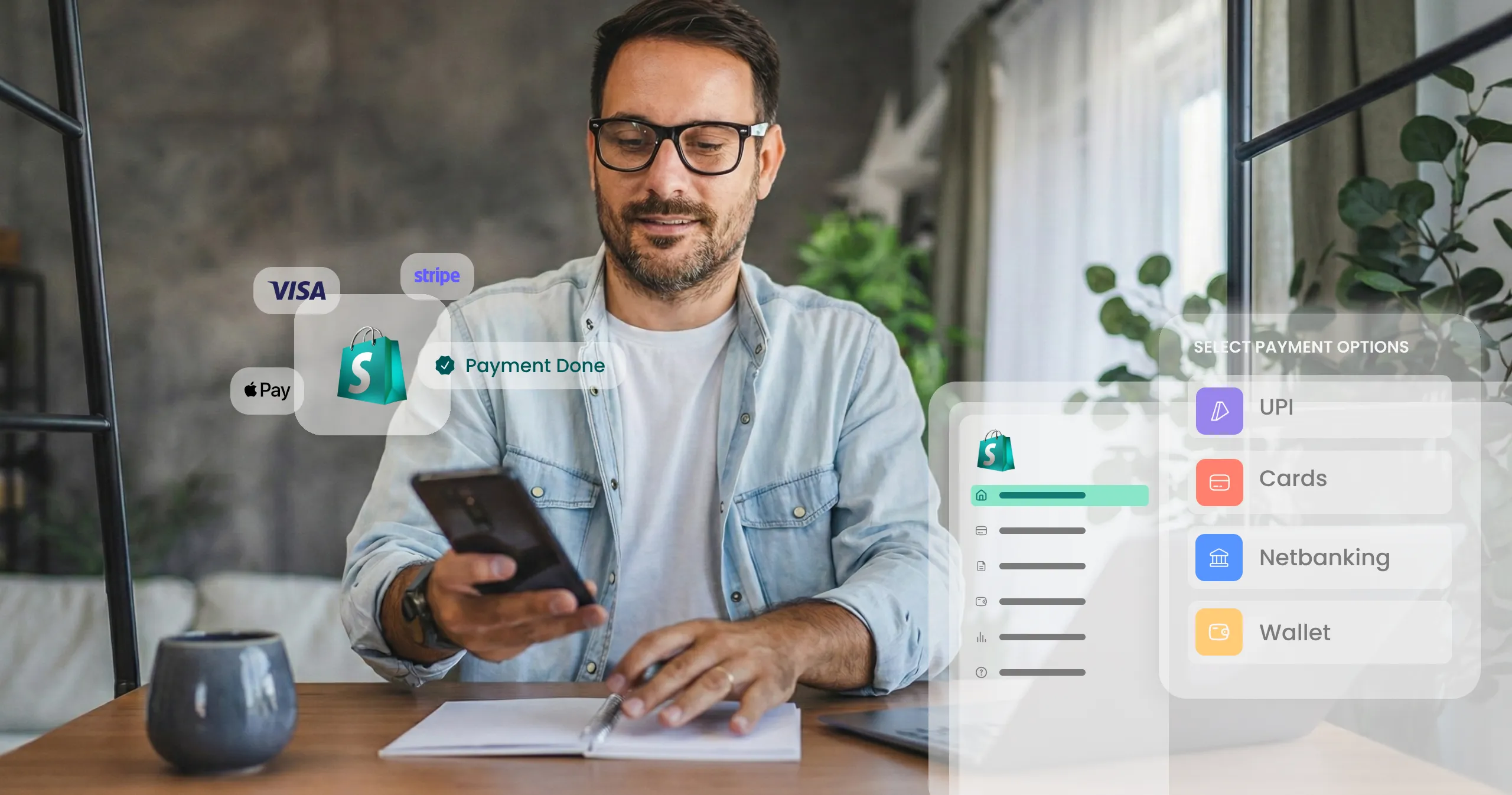
By the end of 2025, India expects about 130 billion digital payment transactions, making reliable payment gateways a necessity.
India continues to surprise the world with its ready acceptance and penetration of digital payments. To facilitate these digital-first modes of payment, a meticulously integrated Shopify payment gateway goes a long way in enhancing the shopper experience.
Integrating a Shopify payment gateway goes beyond technical setup. It indicates your store’s payment readiness, customer trust in your brand, and the effectiveness of revenue generation. A well-integrated payment gateway offers secure and reliable payments, reduces cart abandonment, and instills buyer confidence.
This blog serves as a step-by-step guide for Indian merchants to easily set up payments on Shopify.
Why integration matters: The link between checkout and conversion
A faulty integration of payment gateways poses several risks for a business: abandoned carts, failed transactions, and customer distrust, among others.
On e-commerce platforms like Shopify, the payment gateway is one of the most critical aspects of the checkout flows. It is where customer intent is translated into action.
Shopify thrives on streamlined interaction between its apps, APIs, and payment gateways, necessitating thorough attention to gateway integrations to deliver a great customer experience. All these components work together to manage transactions, verify compliance, and enable verified payment methods.
A smooth Shopify payment gateway integration ensures –
- Faster go-live speeds – Technically sound setups enable you to start accepting payments almost immediately, reducing delays in launch.
- Compliance-ready checkout – Correctly configured integrations ensure that all transactions follow PCI guidelines and mandates, and KYC requirements are fulfilled.
- Mobile-first payment experience – Shopify-supported gateways offer mobile-first interfaces, allowing for diverse payment methods. This includes UPI and digital wallets for checkout convenience. It helps boost conversions significantly.
According to PwC, payment apps and gateways fall in the high-growth, high-usage quadrant in the payment instruments graph. As a Shopify business, it is essential for you to capitalize on this opportunity and facilitate checkouts regardless of the payment method your customers use. A robust payment gateway integration helps you achieve that objective.
Step-by-step guide to integrating a payment gateway on Shopify
A well-orchestrated Shopify payment gateway integration ensures that your store demonstrates high transaction success rates and great customer experiences. Follow the steps below for a seamless integration –
A. Preparing your Shopify store
- First, login to your Shopify dashboard and check your plan to confirm that it supports integration of third-party payment gateways.
- Check your settings for region, currency, and other business payment details to streamline onboarding and KYC compliance for the payment gateway.
These verifications help you reduce setup delays and ensure that your store is ready to accept payments as soon as the setup is complete.
B. Selecting the right payment gateway
The right payment gateway depends on the regions you operate in and the currency options you offer.
- For Shopify India, focus on gateways with PCI-DSS certifications and India-compatible options.
- Prioritize the gateways that support UPI, EMI, and wallet options in the checkout process, as they help to improve conversions and boost customer satisfaction.
- For added reassurance, you can also check the gateway’s reviews on the Shopify app.
C. Setting up the gateway in Shopify admin
Navigate to your Shopify Admin dashboard, and follow the steps below –
- Go to Settings, then select Payments.
- Click the “Add Payment Gateway” option. Select the third-party payment gateway you have chosen. You will also need to enter the Merchant ID, API key, and other security credentials provided by the payment gateway provider during the signup process.
- Activate the desired payment methods you would like your checkout to support. For example, you can choose UPI, EMI, BNPL, etc., or any other payment method that your customers use most.
- Before you switch to live payments, make sure to test a few transactions in the sandbox to ensure that there aren’t any errors or glitches.
D. Compliance and documentation
- Make sure to upload the mandatory KYC documents, such as PAN, GSTIN, and business bank account details, during the onboarding stage.
- Check whether the selected third-party gateway follows RBI guidelines for recurring and subscription payments.
- Give preference to providers that offer advanced fraud protection methods like multifactor authentication and tokenization. This ensures your payment processing is secure and compliant.
Common pitfalls to avoid during integration
Shopify payment gateway integration is a straightforward process. To ensure everything runs smoothly, keep these common mistakes in mind so you can identify and avoid them –
Wrong API keys
Using incorrect or expired API keys is one of the most common mistakes that lead to failed transactions. It causes frustration to your customers and results in loss of trust.
Not enabling upi/netbanking
UPI shares a transaction volume of 75% in the Indian market. Not enabling regionally popular payment methods can alienate a large portion of shoppers and lead to increased cart abandonment.
Ignoring sandbox testing
Sandbox testing allows businesses to detect bugs, errors, glitches, and other issues with payment gateways. This activity is critical to deliver exceptional checkout experiences.
Skipping refund/EMI checks
It is necessary to check how the payment gateway handles refunds and EMIs to control the issues that arise post-purchase. It helps reduce post-purchase queries and preserves customer trust.
Post-integration checklist for Shopify merchants
Once your payment gateway is successfully integrated, go through this quick 1, 2, 3 checklist to ensure that everything runs as expected:
A. Test transactions: Run a test transaction for each type of payment method enabled to ensure that all of them are working well.
B. Monitor dashboard: Keep an eye on the numbers flickering on your dashboards to tally the number of orders and settlements.
C. Stress-test: Simulate your peak-hour traffic before campaigns for all kinds of payment methods to test the performance of the payment gateway.
This simple check ensures that your payment gateway performs efficiently even during heavy traffic hours.
From setup to scale — Build checkout confidence with the right gateway
Your Shopify payment gateway integration has the power to influence conversions, customer trust, and business growth. Proper integration is a strategic investment that allows you to implement configurations that benefit both your customers and your business equally.
Exemplary checkout experiences rely heavily on unfailing, consistent success rates of every transaction a customer initiates. These experiences then shape the perception of your brand in your audience’s mind. Selecting the right payment gateways and integrating them correctly is crucial when designing Shopify checkouts.
Looking for a reliable solution? Contact us for smooth Shopify integration, faster settlements, and scale-ready performance.